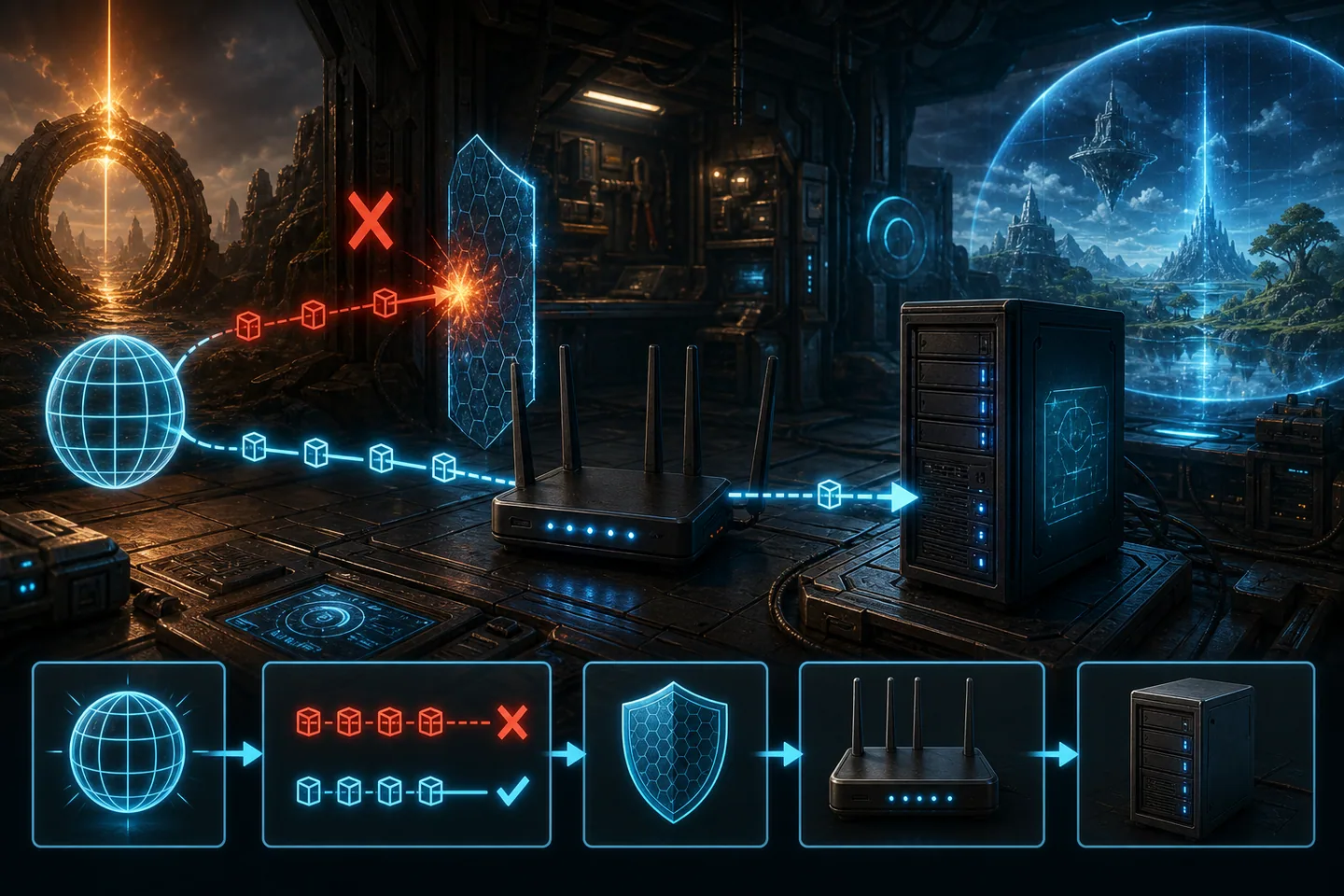
Port forwarding is not a magic switch that makes any ASA server public. It is a routing rule: traffic arriving at a chosen public port is sent to one private device inside the home network. The rule succeeds only when the server is running, listening on that port, allowed through the host firewall and located at the same private address named by the router.
Treat those conditions as a chain. Prove local listening first, reserve the host address second, create narrow rules third and test from outside last. This approach is safer and faster than opening large port ranges or disabling Windows Firewall because a random tutorial used different launch arguments.
1. Read the ports from your own launch command
The game port and query port are defined by the server configuration. Common examples use game port 7777 and query port 27015, but a copied example is not evidence that your process uses them. Read the current batch file or hosting configuration and note each explicit value. ASA uses -port for the game port. If you operate multiple server processes on one machine, each process needs a non-conflicting set.
Do not forward an administrator password, session name or cluster identifier; those are not ports. Do not assume that a web panel's management port is the same as the ARK game port. The router rule should match the traffic that ArkAscendedServer.exe actually listens for. Checking listening sockets on Windows is more reliable than guessing from a browser result.
- Record protocol, external port, internal port and destination IP for every rule.
- Use the same number externally and internally unless you understand the translation.
- Avoid forwarding broad ranges that the server never uses.
2. Reserve the server's private address
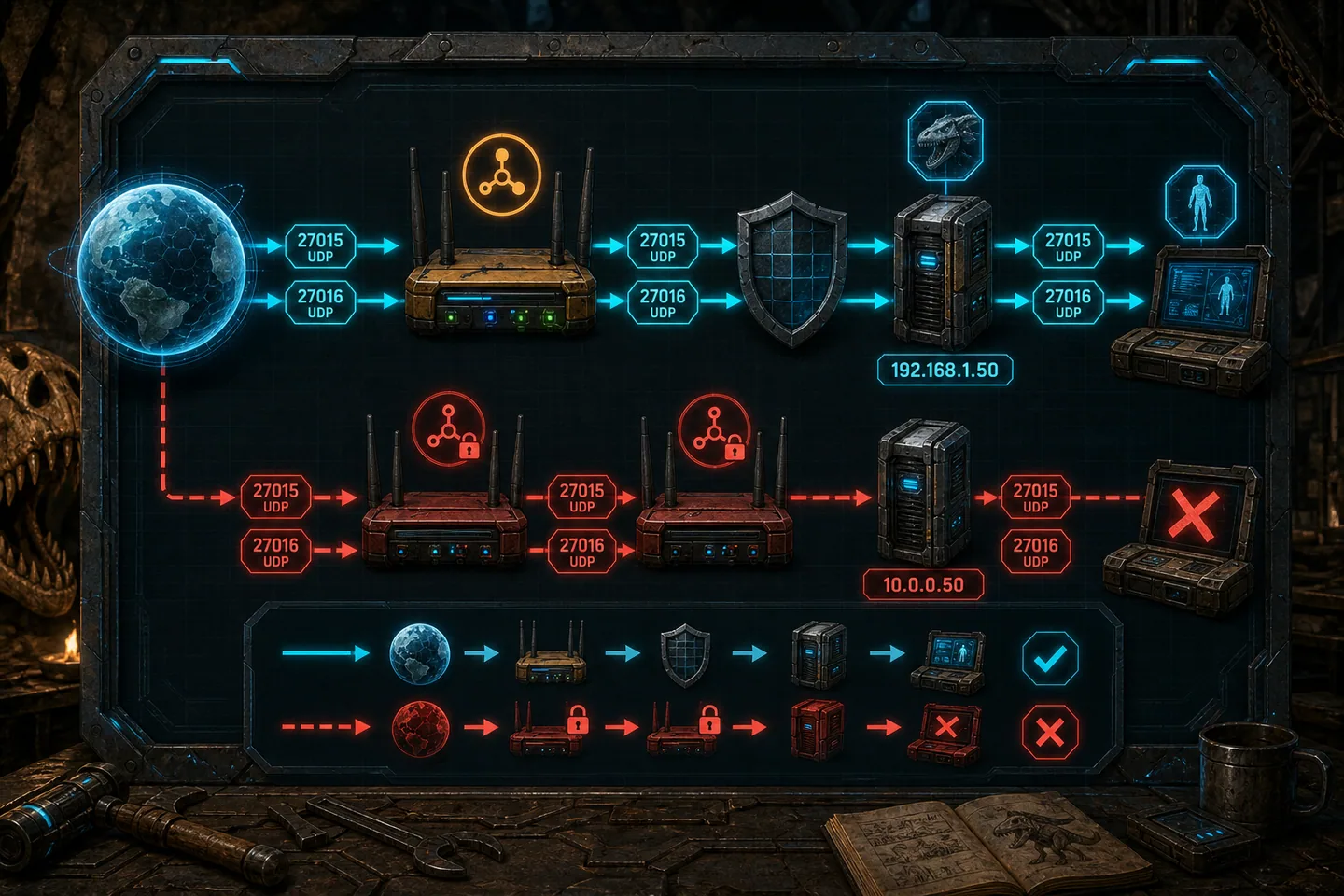
Home routers normally assign private addresses with DHCP. Today the host may be 192.168.1.50; after a restart it may receive .63, leaving the forwarding rule pointed at the wrong device. Create a DHCP reservation for the server's network adapter or configure a static address outside the router's automatic pool. A reservation is usually simpler because DNS and gateway settings continue to come from the router.
Confirm the address on the server itself after saving the reservation. Ethernet and Wi-Fi adapters can have different addresses, so forward to the adapter that carries the server's traffic. If the machine moves between networks, the rule from the old router does not follow it. Document the router model and reservation so the setup can be rebuilt after a reset.
3. Create host firewall rules before router rules
Windows Firewall decides whether packets delivered to the computer reach the server process. Create inbound rules for the required ports and correct protocol, scoped to the server executable or ports. Keep the network profile in mind: a rule limited to Private networks will not apply if Windows identifies the connection as Public. Test locally from another device rather than turning the firewall off.
If disabling the firewall temporarily makes a local test succeed, turn it back on immediately and repair the rule. Leaving it disabled is not a completed fix. Security suites may add another firewall layer, so inspect their logs when Windows rules look correct. The goal is the smallest explicit permission that supports the server, not a permanently open host.
4. Add router forwarding entries
Open the router's port forwarding, NAT or virtual server page. Create an entry for each required mapping and select the reserved host address. Router interfaces vary, but the important fields are consistent: outside port, inside port, protocol and destination. Save the rule and verify that it remains enabled after applying changes. Some routers require a restart; many do not.
If two ASA servers share one public address, they cannot both claim the same external port. Give each process unique game and query ports, update its launch command and forward the matching pairs. Changing only the router creates a translation that points at a port where the second process is not listening. Also check that no automatic UPnP rule conflicts with the manual entry.
5. Test from outside the network
Ask a friend on a different connection to search the exact session name and attempt a join after the world finishes loading. A phone using mobile data can help with basic reachability, but the in-game join is the most meaningful test. Online port-check websites can produce false negatives when they use the wrong protocol or the server is not responding in the way the checker expects.
Testing the public address from inside the same home can fail on routers without hairpin NAT. That does not prove external forwarding is broken. Keep local and external results separate. If local joining works and an outside player cannot connect, capture the server time, public address, router rule and listening state before changing anything.
6. Recognize double NAT and carrier-grade NAT
If an internet modem feeds a second personal router, both devices may perform NAT. Forwarding on only the inner router stops at the outer one. Put the modem in bridge mode when appropriate or add a matching rule on both devices. Compare address ranges carefully and avoid changing provider equipment blindly, especially when it also supplies telephone or television service.
Carrier-grade NAT occurs when the provider shares a public IPv4 address across customers. The router's WAN address will not match the public address seen on the internet, often because it belongs to a private or shared range. Local forwarding cannot control the provider's upstream NAT. Request a public address, use suitable hosting, or select a secure tunnel solution that explicitly supports the needed game traffic.
Common questions
Frequently asked questions
Are 7777 and 27015 always the correct ports?
They are common examples. The correct ports are the ones configured for your running process, and each additional process needs unique values.
Why does local joining work but remote joining fail?
The server and host are probably healthy. Check router forwarding, the destination address, double NAT and whether the provider gives you a public inbound address.
Should I disable Windows Firewall?
No. Use a brief controlled test only if necessary, re-enable it immediately, then create narrow inbound rules for the actual server traffic.