A backup is useful only if it contains the files needed to rebuild the same world and has been tested at least once. Copying one large map file while the server is still writing can produce a snapshot with missing survivor, tribe or configuration data. Keeping that copy inside the live installation also means a disk failure, mistaken deletion or bad update can destroy both the server and its supposed protection.
Build backups around recovery questions: which world was active, which players and tribes belonged to it, which settings and mods were required, and how quickly can a clean server reopen it? A dated folder that answers those questions is more valuable than hundreds of unlabeled files.
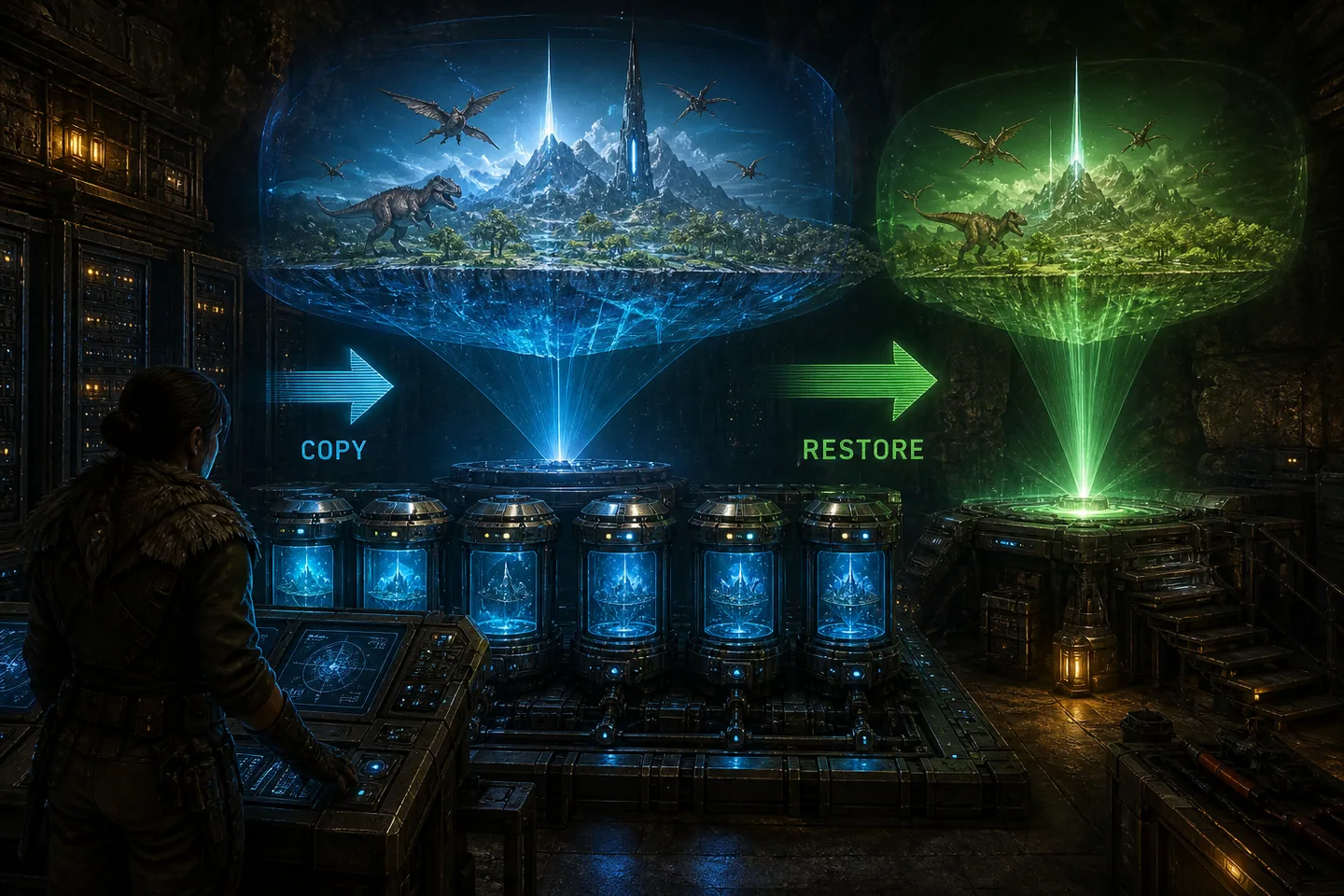
1. Know what the backup must contain
The Saved directory contains the world and supporting player or tribe state created by the running server. Include the active map save and associated data rather than selecting only the largest file. Also include GameUserSettings.ini, Game.ini, the launch script, cluster directory when transfers are enabled, and a written list of required mods in their load order. These pieces explain how to reopen the world with the same rules.
Program binaries can be downloaded again, but configuration and progression cannot. Keeping a copy of the exact server build can help during a difficult recovery, yet it should not replace data backups. Record the map, session name, build, ports and backup time in a small manifest so an administrator does not have to infer them during an outage.
2. Save and stop before the safest copy
For a maintenance-grade backup, warn players, issue an authorized world save, wait for completion and stop the process cleanly. Then copy the files. This produces a consistent point where the world is no longer changing. Live-copy tools can create snapshots on some storage systems, but they require understanding application consistency and should not be the first backup method for a new administrator.
ASA also creates automatic saves, but the newest automatic file is not a complete backup strategy. A crash can happen between saves, an unwanted change may not be noticed until several rotations later, and built-in copies stored on the same disk share the same failure. Use them as one recovery source within a broader rotation.
3. Keep several generations in another location
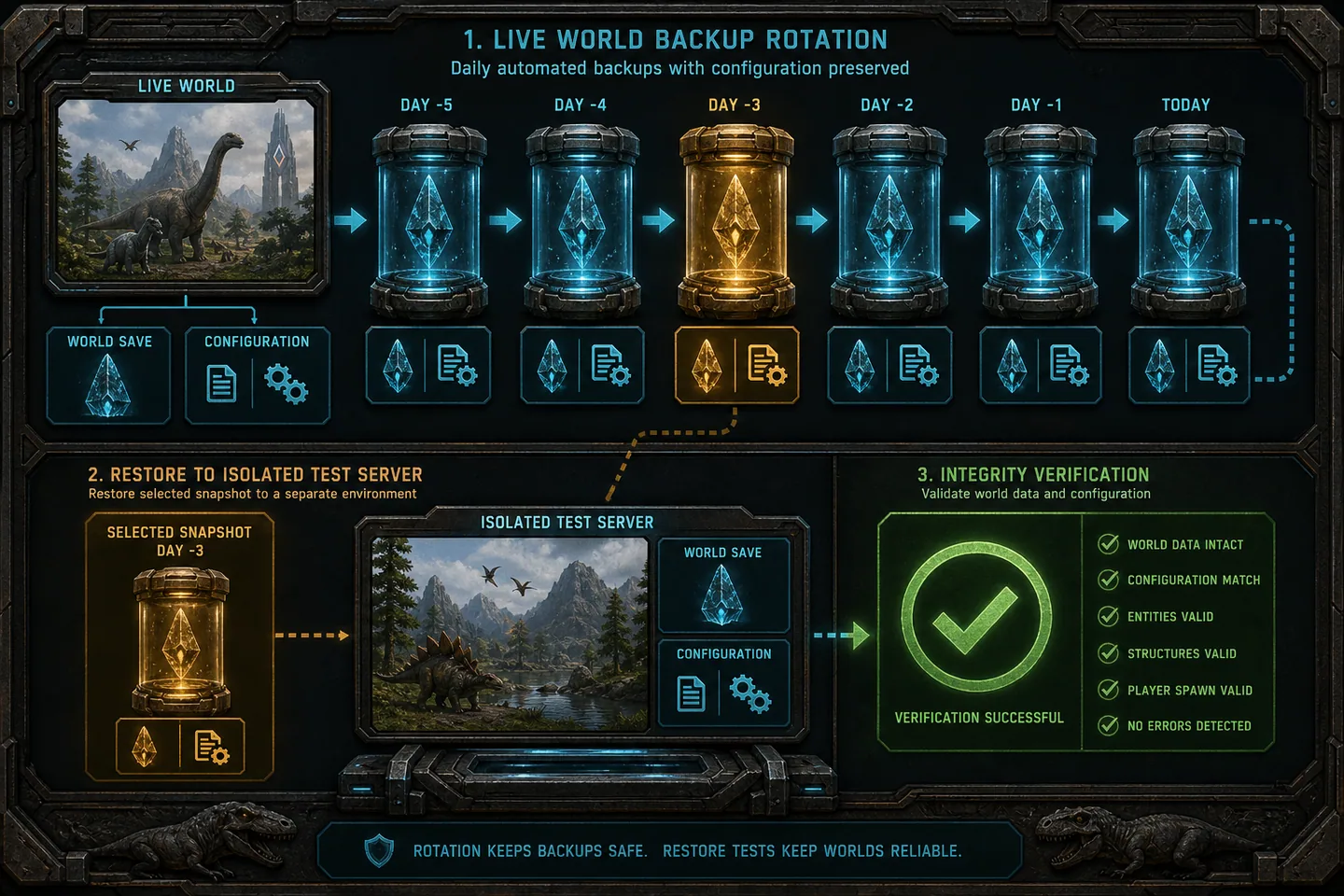
Use daily and pre-maintenance folders with timestamps that sort naturally, such as 2026-08-09_1015_before-update. Retain multiple recent copies plus less frequent weekly copies. The exact number depends on save size and available storage, but one overwritten latest.zip is fragile because corruption or admin error can be copied into it before anyone notices.
Store at least one copy outside the live machine. Another physical disk protects against one drive failure; object storage or another host protects against loss of the entire machine. Encrypt backups that contain private server details, restrict access and monitor failed uploads. A script that silently stops copying is not a functioning backup system.
4. Restore into a separate test directory
The safest first restore does not overwrite production. Install a matching server in a separate directory, place copies of the saved world and configuration into the expected paths, restore required mods and start it on different ports with a private name. Confirm that the map loads and that representative survivor, tribe, structure and creature data exists.
This test reveals missing files, wrong paths and undocumented dependencies while the original server remains untouched. If the test fails, preserve logs and try an older generation. Do not keep starting the same damaged production directory with different combinations because each start can write new state and make the original incident harder to reconstruct.
5. Perform a controlled production recovery
Stop production and make a final copy of its failed state before replacing anything. That copy may contain logs or recent player data worth recovering later. Move the damaged Saved directory aside, restore the tested backup, verify file ownership and start the normal command. Keep players out until an administrator confirms the correct map, timestamp and configuration.
Tell the community which backup time was restored and what progress may be lost. If transfers or a cluster are involved, restore compatible cluster state across affected maps instead of mixing timestamps carelessly. A survivor uploaded after one map snapshot but before another can produce confusing duplication or loss when cluster components do not represent the same period.
6. Review backups as an operating routine
Run a scheduled restore test, not just a file-count check. Record duration, missing dependencies and the person who verified the world. Update the manifest whenever ports, map, mods or launch arguments change. Before every major update or mod removal, take a named backup that will not be immediately deleted by the normal daily rotation.
Good recovery design also limits damage: separate administrator accounts, avoid editing live files while running and keep production credentials out of shared archives. The goal is not merely to possess copies. It is to return players to a known, explained state without improvising under pressure.
Common questions
Frequently asked questions
Is the .ark world file enough?
Treat it as only one part. Preserve associated player and tribe data, configuration, cluster state, launch arguments and the required mod list.
Can backups stay in the server folder?
A local copy is convenient but shares disk and deletion risks. Keep at least one protected copy outside the live machine.
How do I know a backup works?
Restore it into an isolated server and verify the map, survivors, tribes, structures and creatures before depending on it.